

AI for Managing Production
Corelayer continuously monitors production logs, metrics, and data for issues and uses agents to debug and suggest fixes in minutes. It’s designed to handle sensitive data, offering flexible deployment and LLM inference options, making Corelayer particularly well-suited for data-intensive, regulated industries like finance, healthcare, and insurance.Key Features
- Automated Monitoring: Continuously monitors your production systems
- Rich Context: Integrates with your infrastructure, observability, and data stack
- Environment Awareness: Infers the environment associated with an issue and considers it during investigation and impact assessment
- Data Anomaly Detection: Statistical anomaly detection for silent data correctness issues
- Alert De-Noising: Filters out false positives and groups related issues together
- Root-Cause Analysis: Identifies and root-causes issues in minutes
- Code Fixes: Suggests issue remediations and creates PRs to fix bugs
- Auditable: Documents investigation steps and cites relevant sources like logs
- Learns Over Time: Corelayer references past issues and takes human feedback to improve over time
- CLI Access: Query groups, issues, and integrations from the terminal with the Corelayer CLI
Environment-Aware Analysis
Corelayer infers the environment associated with an issue from the available context and considers it when investigating the issue and assessing its impact. This helps distinguish issues across environments such as production, staging, and development. To see the environments Corelayer has detected, open Settings → Environments. The Detected Environments list shows each environment, its aliases, and whether it is production or pre-production.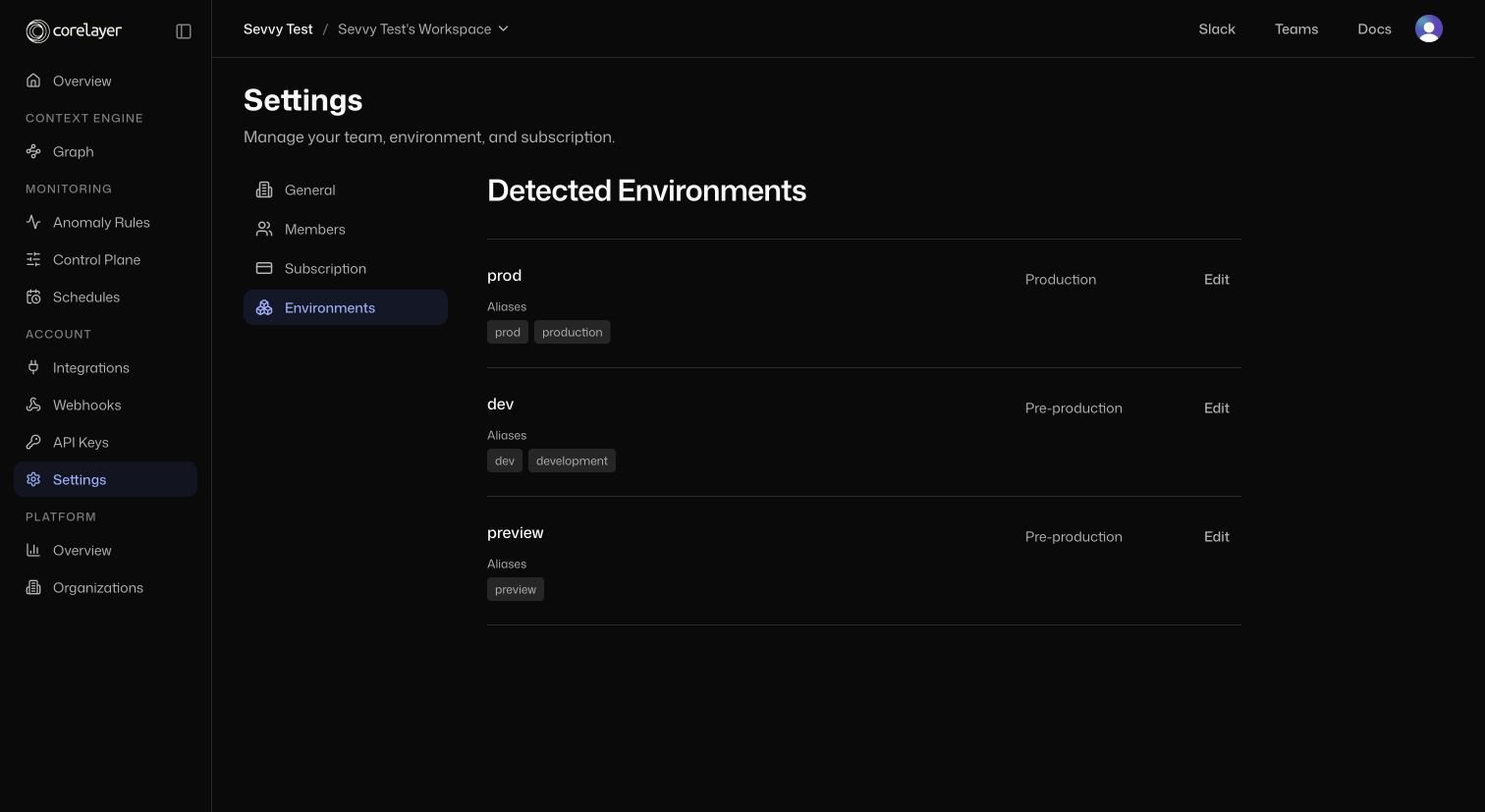
Settings → Environments shows detected environments and their aliases.
Developer Workflows
If you prefer working from the terminal, start with the Corelayer CLI. It supports browser-based login, API-key-backed requests, and a machine-readable--json mode that works well with AI agents.